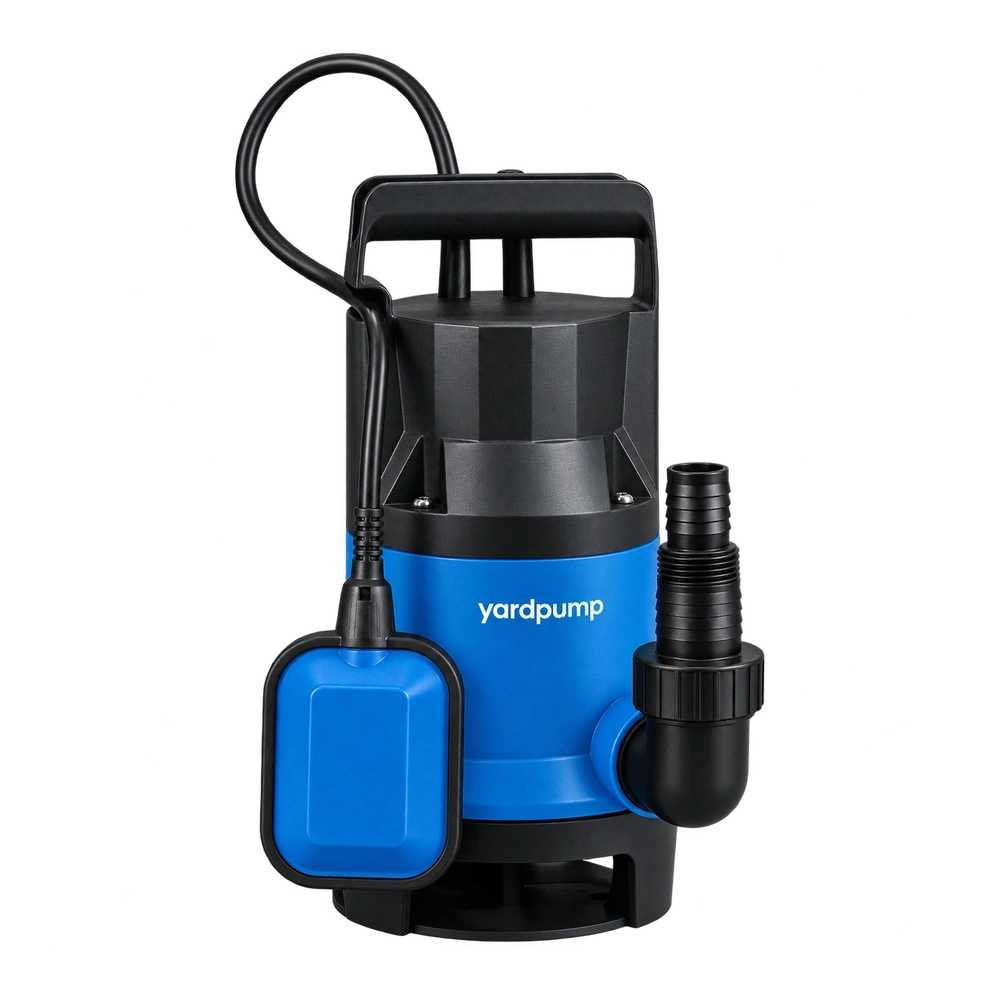
A controller supplier revises a pump wiring diagram. The new file is on the purchasing drive, but finished cartons already contain printed manuals. How do you stop the wrong drawing reaching installers? Tie each diagram to the actual hardware revision and serial range. Then reconcile packed stock, production, digital copies and service instructions. Simply replacing a file can leave the field team with the wrong drawing for an older unit.
Find out what changed and who is affected
Determine whether the change corrects artwork or follows a hardware change such as terminal order, harness or controller design. Ask engineering to identify the affected models, hardware revisions, serial ranges and markets. Obtain the approved drawing and the effective date or lot. Check whether an older diagram remains correct for earlier hardware. A revised picture might be suitable for both versions, but that conclusion needs an explicit review.
Do not treat an incorrect electrical diagram as an ordinary spelling correction. Have authorized technical staff compare terminals, labels, connector keys, supply descriptions and relevant safety instructions against real production hardware. Keep the revision marker visible on the instructions, and give installers a reliable way to identify the applicable version without exposing live parts. Any inspection or wiring work requires isolation and qualified personnel following approved instructions.
Reconcile the material that is already in circulation
Count unissued paper manuals, packed cartons, shipments in transit, distributor stock and field service copies. Distinguish stock that can be controlled before shipment from units already delivered. Record the last lot issued under the old revision and first under the new one. Prevent obsolete print from being issued to the new build, and keep old instructions available in a controlled manner where older hardware still needs them.
In an illustrative change, a revised controller has the same enclosure and plug but changes the terminal order. Five pallets were packed before the manual cutover was recorded. Hold the affected pallets, verify the controller revision by serial, and issue the correct instructions under a documented rework plan. For shipped units, determine the applicable correction and communication through the responsible quality and service teams. Do not give every owner the new diagram unless it is verified for their hardware.
Check the release at the points where mistakes recur
Make the document revision part of the kit or packing check, then sample complete cartons and compare pump, controller, wiring diagram and language. Verify that a digital manual or support lookup points the serial range to the right revision. Test the path a distributor actually uses, including printed copies and offline documents. Remove inaccurate copies from current production and preserve controlled history for service. If a mismatch could affect installation safety, keep the affected stock held until the approved disposition is implemented.
Maintain a short instruction for support: what to ask for, where to find the controller and serial identifiers safely, and when to stop and route the case to qualified service. A successful cutover means the person installing or servicing each hardware version receives the correct diagram, even if the file was printed months before it is needed.
After cutover, retain the first complete pack check and the rework history. For each corrected carton, the serial should lead to the instruction revision actually inserted. A pallet label saying the work was completed does not identify any carton missed during rework. Reconcile the counts and document exceptions before release.
Include the quick-start card if it carries another copy of the drawing.
Frequently asked questions
Can I label the latest diagram as valid for all pumps?
Only after a documented check that the diagram applies to all listed hardware revisions.
Is a date stamp enough to identify the correct diagram?
Use the approved hardware and document revision relationship. Date can help, but packing and assembly dates can differ.
What should an installer do if the drawing and unit disagree?
Stop, keep the unit isolated and request the approved version through qualified support before connecting it.